Best Resume Format for Freshers in 2026 – Tips, Sections, and Mistakes to Avoid
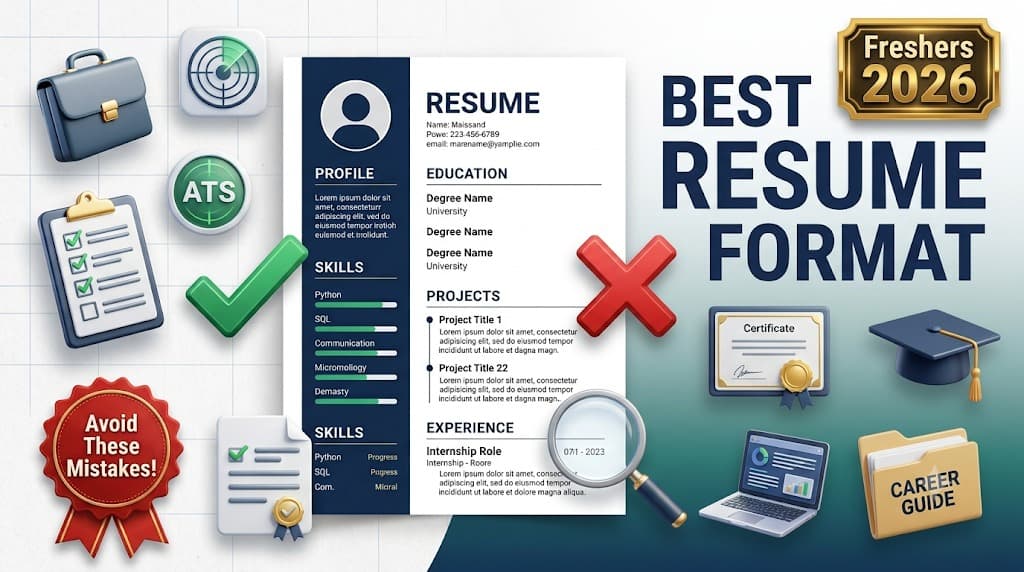
Your resume has about 6 seconds to make an impression before a recruiter moves on. As a fresher you don't have years of experience to fill that space — so how you format and present what you do have is everything. Get it right and you'll get shortlisted. Get it wrong and you'll never know why.
Why Format Matters
Most companies use Applicant Tracking Systems (ATS) to scan resumes before a human ever reads them. A poorly formatted resume can be rejected automatically, even if your skills are strong. The right format ensures your resume is both machine-readable and visually clear to recruiters.
Best Format for Freshers: Reverse Chronological
The reverse chronological format is the most widely accepted and ATS-friendly. It lists your most recent experiences first and is easy for recruiters to scan quickly.
Essential Resume Sections
1. Contact Information
- Full name, phone number, professional email address
- LinkedIn profile URL
- GitHub or portfolio link (if relevant)
- City and state (full address is not required)
2. Career Objective
2–3 lines tailored to the specific role. Mention your key skills and what you aim to contribute. Avoid generic objectives like “seeking a challenging role.”
3. Education
- Degree, college name, graduation year
- CGPA (include if above 7.0)
- Relevant coursework (optional)
4. Technical Skills
List your skills clearly. Group by category if needed: Programming Languages, Frameworks, Databases, Cloud, Tools.
5. Projects
Include 2–3 strong projects. For each project, mention:
- Project name and a 1-line description
- Technologies used
- Key outcome or impact (e.g., “reduced load time by 30%”)
- GitHub link (if available)
6. Certifications
- List relevant certifications from Coursera, Udemy, AWS, Google, Microsoft
- Include platform name and year
7. Extracurricular Activities (Optional)
Hackathons, coding competitions, college clubs, volunteer work — include if they demonstrate relevant skills.
What to Avoid on Your Resume
- Photos, unless the employer specifically requests one
- Date of birth, religion, or marital status
- Fancy graphics, icons, tables, or text boxes (ATS cannot read them)
- Spelling and grammar mistakes
- Irrelevant hobbies or generic statements
- More than one page as a fresher
Resume Formatting Tips
- Use a clean, readable font: Calibri, Arial, or Georgia at 10–12pt
- Use clear section headings (bold and slightly larger)
- Maintain consistent spacing and alignment
- Save as PDF (unless the employer requests DOCX)
- Keep file size under 2 MB
Common Fresher Resume Mistakes
- Using a template with two columns (ATS reads single-column better)
- Listing too many technologies without demonstrating depth
- Not quantifying project outcomes — add numbers wherever possible
- Using the same resume for every application without customizing it
- Listing a generic objective that fits any job
Final Thoughts
A strong fresher resume is clean, ATS-friendly, project-focused, and tailored to each application. Once your resume gets you an interview, strong preparation is what closes the deal. Practice your interview skills with AI-powered mock interviews at Roundexa.com and walk into every interview fully prepared.
Ready to Practice?
Take a free AI mock interview on Roundexa and get instant, actionable feedback before the real one.
Practice on RoundexaRead Next
What is an ATS Resume and Why Recruiters Use It?
Over 75% of resumes never reach a human recruiter. Find out how ATS systems work, why yours might be getting filtered out, and exactly what to change to get more interview calls.
How to Get a Job in 2026: A Complete Guide for Freshers and Experienced Professionals
Generic applications don't work anymore. This guide covers what actually gets you hired in 2026 — from building the right resume to nailing the interview and following up the right way.